library(foreign)   #for reading dbf files
library(tidyverse) #for data handling, pipes and visualisation
library(readxl)    #for data import directly from Excel
library(janitor) #for unified, easy-to-handle format of variable namesData processing tutorial
Here we provide a tutorial on how to import data from the Turboveg database and how to process it in R, run basic analyses and prepare data for export to other formats.
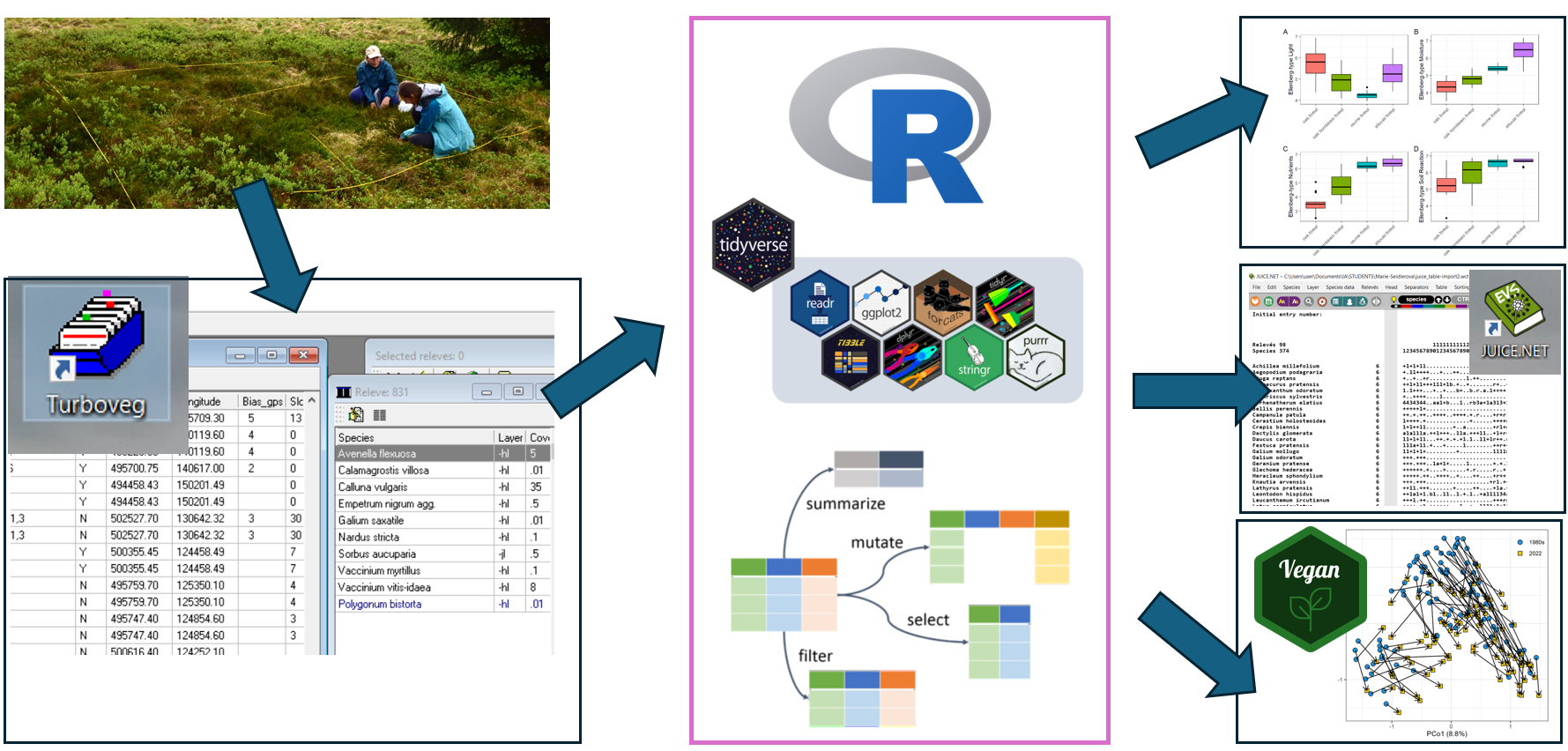
We are using the tidyverse approach and tidy data rules. If you are interested in more details and links to additional literature, check our study materials here.
For data processing, we recommend using a project in Rstudio. The advantage of using projects, is that you can directly use the same structure with exactly the same paths as provided in this tutorial. For this, add a subfolder “data” directly to the main folder, to store all the data files.
We show all the data processing using an example of forest understory data from the Czech Vegetation Database. If you want to train in the same way as is described in the tutorials, you can download zip files with data here Link to Github folderor with the whole project here Link to Github folder.
In individual subchapters you can find instructions and individual parts of the code, which you can copy and insert them into your own script (use the copy icon in the upper right corner to copy individual code chunks).

Please note that we do not provide the whole script, but we encourage you to copy the code chunks from the examples here and use them to build your own script, adjusted to your needs.
At the beginning of your work, load the following libraries. If needed, first install missing libraries by function install.packages("packageName")
We are using pipes %>% throughout the scripts. Pipes allows the output of a previous command to be used as input to another command instead of using nested functions. It means that a pipe binds individual steps into a sequence and it reads from left to right. You can insert it into your code by pressing Ctrl+Shift+M.
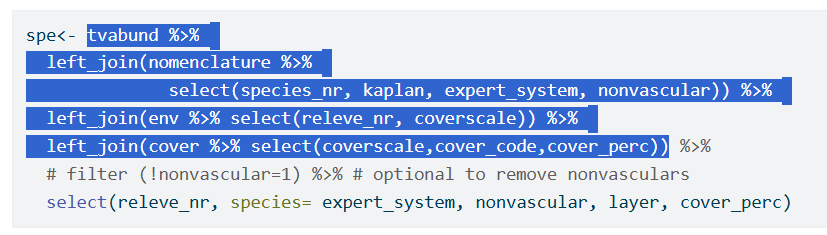
To play a bit with the pipes, you can take part of the script, send it to the console with Ctrl+Enter and just try if and how it works without assigning it to the final object as in the picture below.